# Babel
Babel是什么
Babel的使用方式
使用Babel前的准备工作
使用 Babel编译ES6代码
# 1.Babel初识
- 认识Babel
- 使用Babel
- 解释编译结果
# 1.认识 Babel
官网:https://babeljs.io/
在线编译:https://babeljs.io/repl
Babel 是 JavaScript 的编译器,用来将 ES6 的代码,转换成 ES6 之前的代码
# 2.使用 Babel
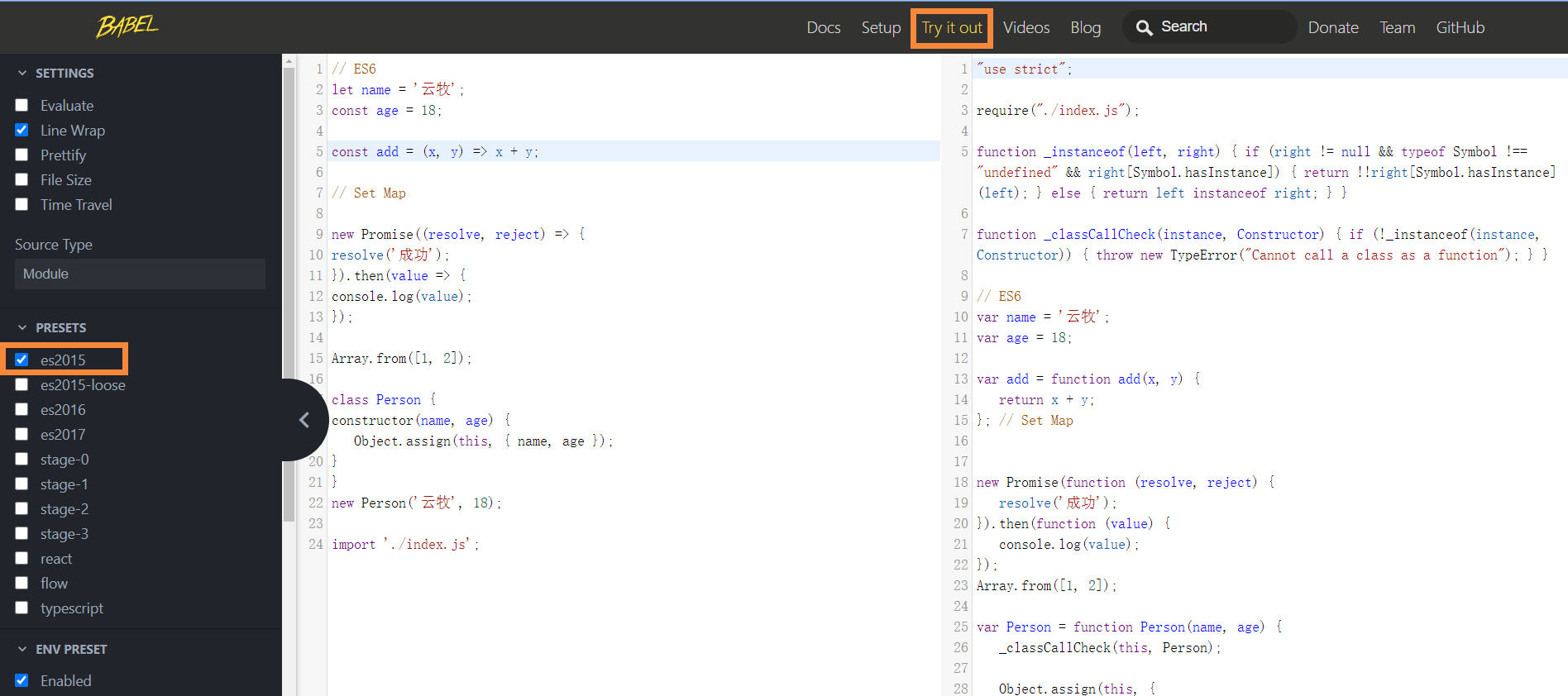
ES6代码
// ES6
let name = '云牧';
const age = 18;

const add = (x, y) => x + y;

// Set Map

new Promise((resolve, reject) => {
    resolve('成功');
}).then(value => {
    console.log(value);
});

Array.from([1, 2]);

class Person {
    constructor(name, age) {
        Object.assign(this, { name, age });
    }
}
new Person('云牧', 18);

import './index.js';
2
3
4
5
6
7
8
9
10
11
12
13
14
15
16
17
18
19
20
21
22
23
24
使用 Babel 编译后
"use strict";

require("./index.js");

//编译class需要的中间性质的函数
function _instanceof(left, right) { if (right != null && typeof Symbol !== "undefined" && right[Symbol.hasInstance]) { return !!right[Symbol.hasInstance](left); } else { return left instanceof right; } }

function _classCallCheck(instance, Constructor) { if (!_instanceof(instance, Constructor)) { throw new TypeError("Cannot call a class as a function"); } }

// ES6
var name = '云牧';
var age = 18;

var add = function add(x, y) {
    return x + y;
}; // Set Map


new Promise(function (resolve, reject) {
    resolve('成功');
}).then(function (value) {
    console.log(value);
});
Array.from([1, 2]);

var Person = function Person(name, age) {
    _classCallCheck(this, Person);

    Object.assign(this, {
        name: name,
        age: age
    });
};

new Person('云牧', 18);
2
3
4
5
6
7
8
9
10
11
12
13
14
15
16
17
18
19
20
21
22
23
24
25
26
27
28
29
30
31
32
33
34
35
# 3.解释编译结果
Babel 本身可以编译 ES6 的大部分语法,比如 let、const、箭头函数、类
但是对于 ES6 新增的 API,比如 Set、Map、Promise 等全局对象,以及一些定义在全局对象上的方法(比如 Object.assign/Array.from)都不能直接编译,需要借助其它的模块
Babel 一般需要配合 Webpack 来编译模块语法
# 2.Babel的使用方式
- Babel有哪些使用方式
- 在命令行工具中使用Babel
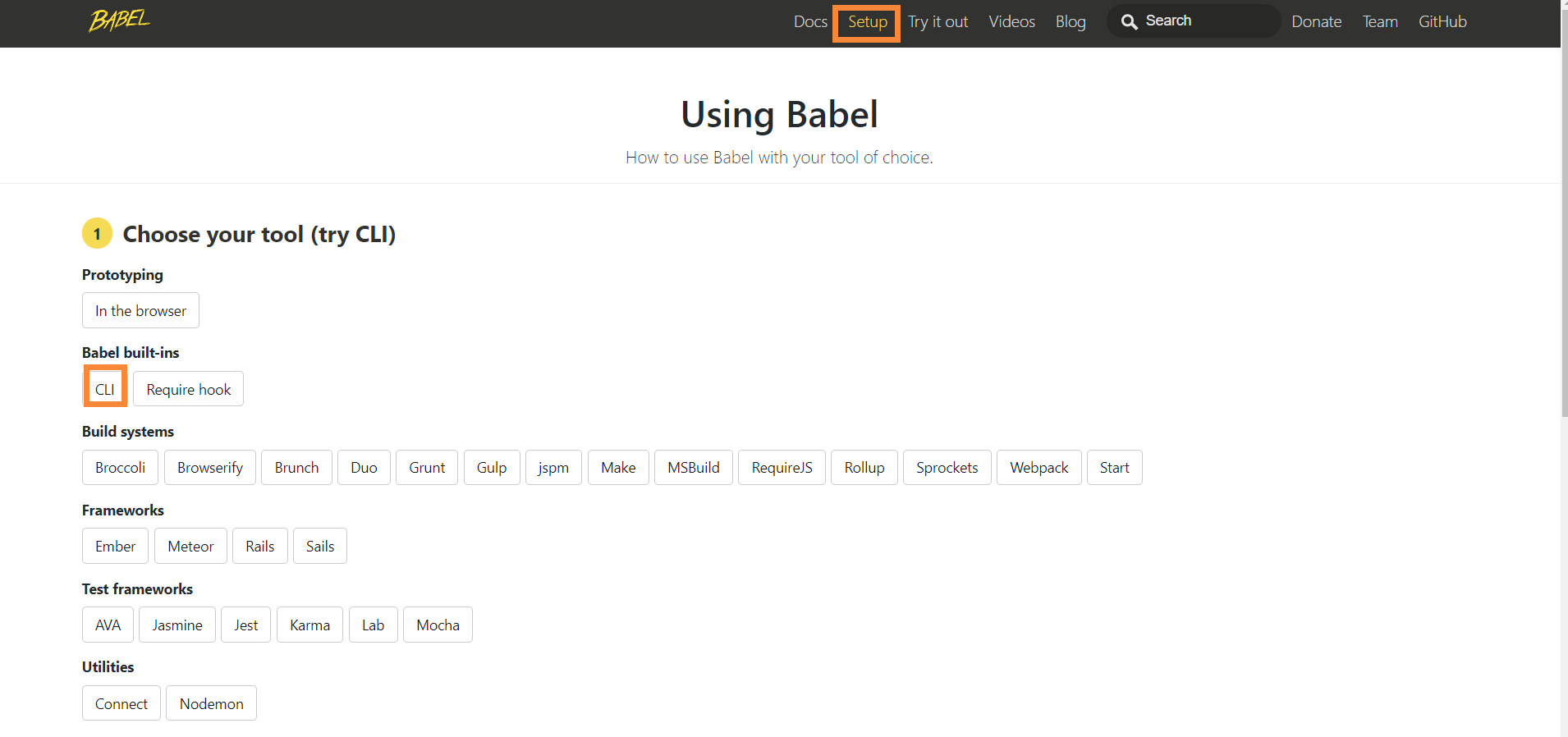
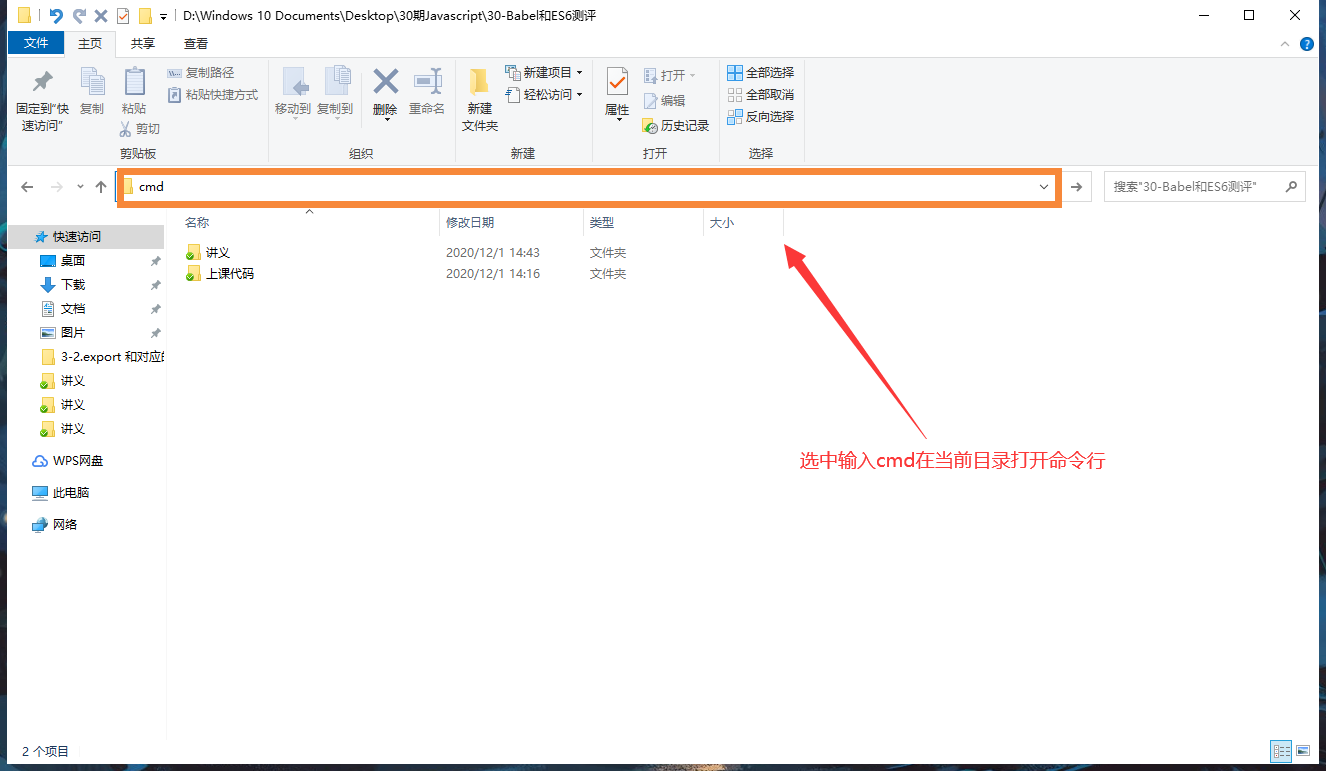
在当前目录打开命令行工具
# 3.使用 Babel前的准备工作
- 什么是 Node.js 和npm
- 安装Node.js
- 初始化项目
- 安装 Babel需要的包
# 1.什么是 Node.js 和 npm
Node.js 是个平台或者工具,对应浏览器
后端的 JavaScript = ECMAScript + IO + File + ...等服务器端的操作
npm:node 包管理工具
# 2.安装 Node.js
node.js官网 https://nodejs.org/zh-cn/
node -v
npm -v
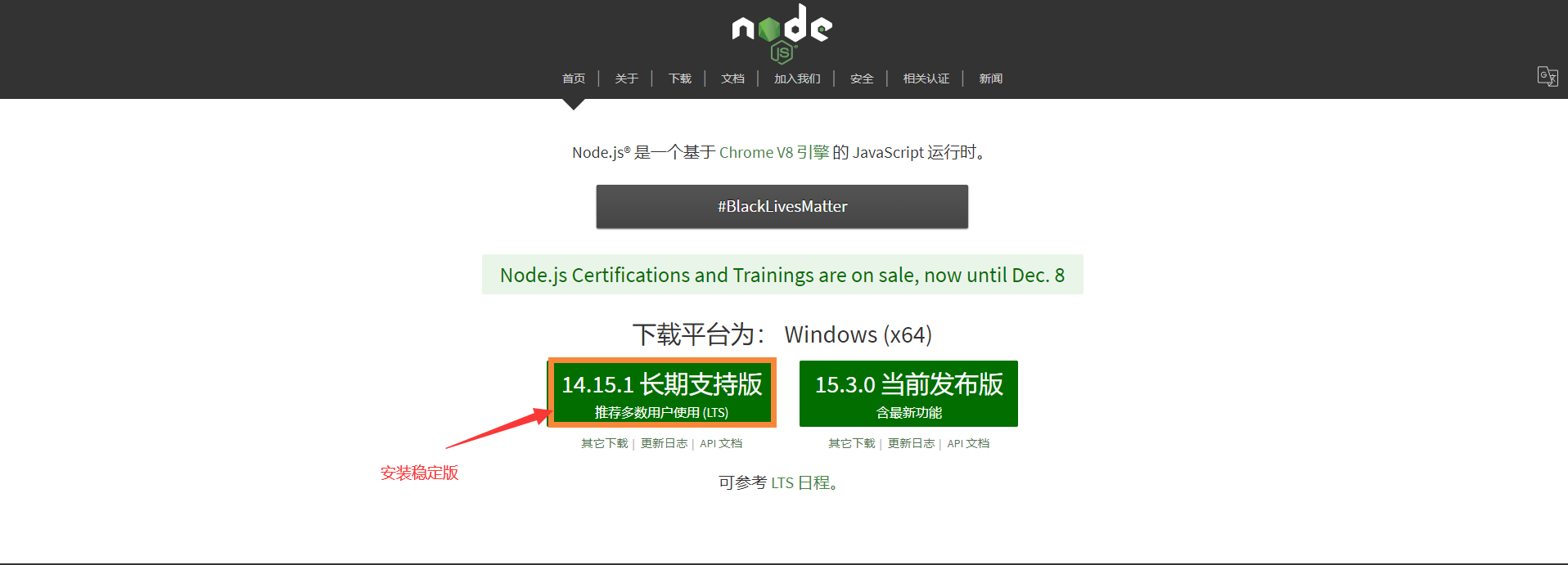
[
# 3.初始化项目
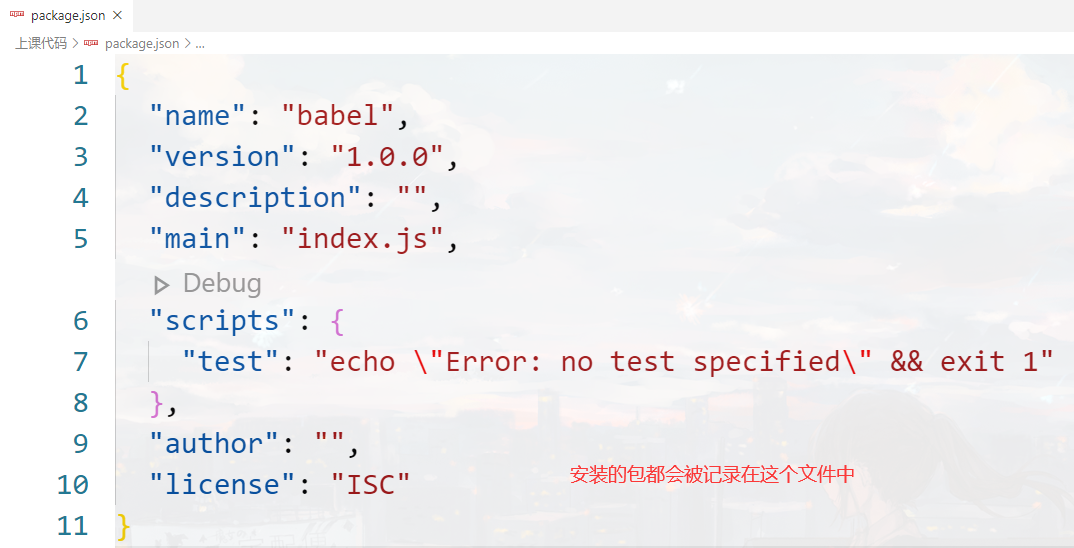
npm init -> package.json
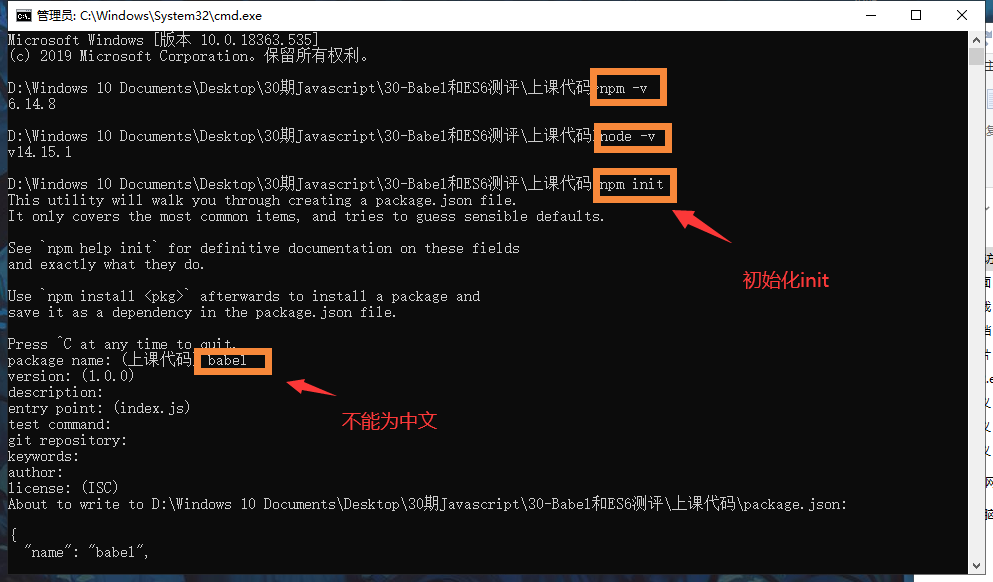
# 4.安装 Babel 需要的包
npm config set registry https://registry.npm.taobao.org 切换安装源
npm install --save-dev @babel/core @babel/cli
npm install --save-dev @babel/core@7.11.0 @babel/cli@7.10.5

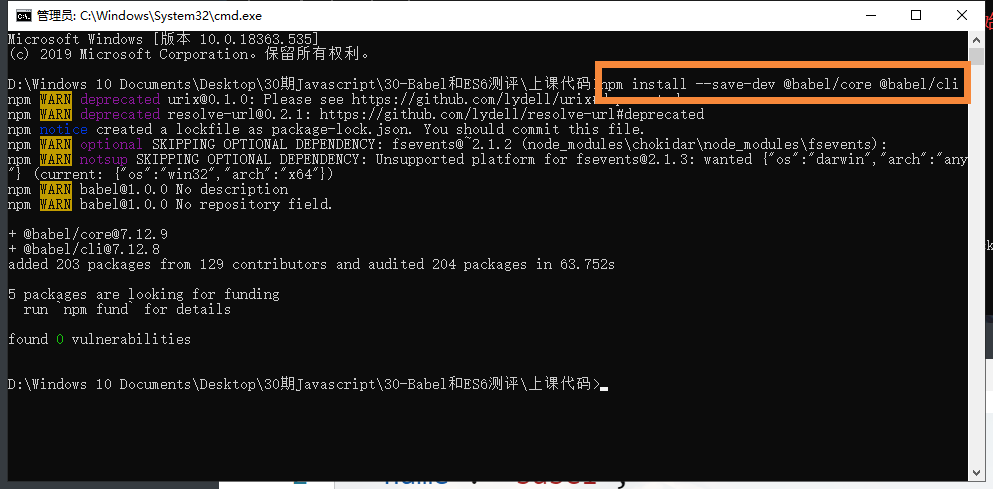
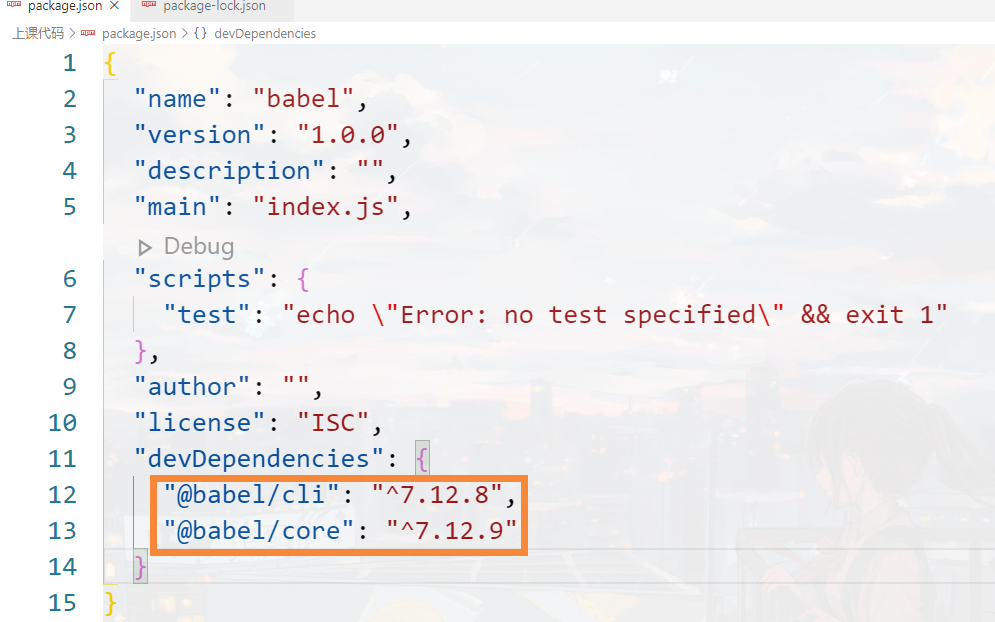
如果删除node_modules 后 包都没有 可以通过 npm install重新下载回来 因为package.json记录了
# 4.使用Babel编译ES6代码
- 编译的命令
- Babel的配置文件
# 1.执行编译的命令
在 package.json 文件中添加执行 babel 的命令

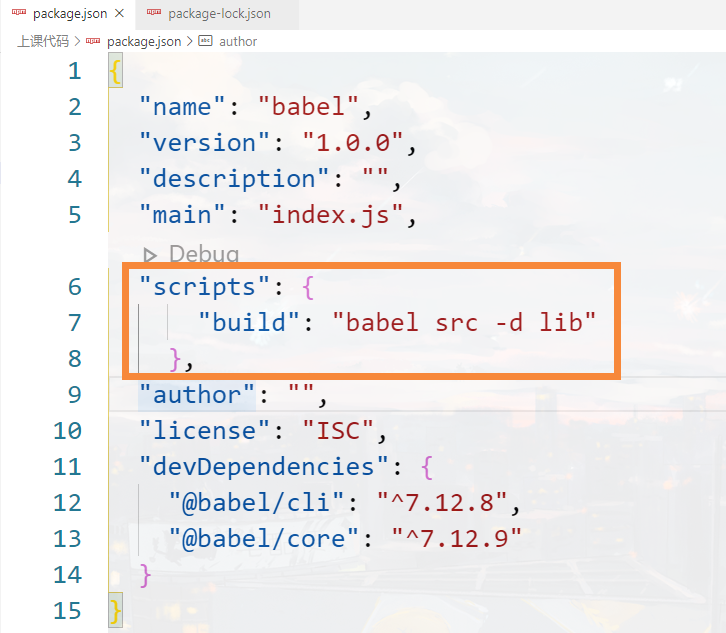
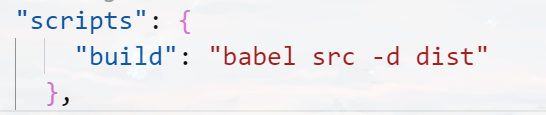
通过babel将 src下的文件 -d代表输出 写完整是--out-dir 到 lib 我们可以改为dist
babel src -d dist
babel src --out-dir dist
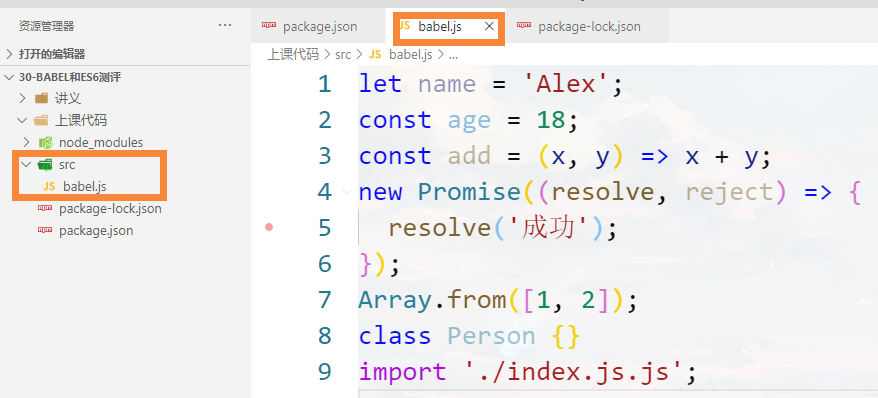
let name = '云牧';
const age = 18;
const add = (x, y) => x + y;
new Promise((resolve, reject) => {
    resolve('成功');
});
Array.from([1, 2]);
class Person {}
import './index.js';
2
3
4
5
6
7
8
9
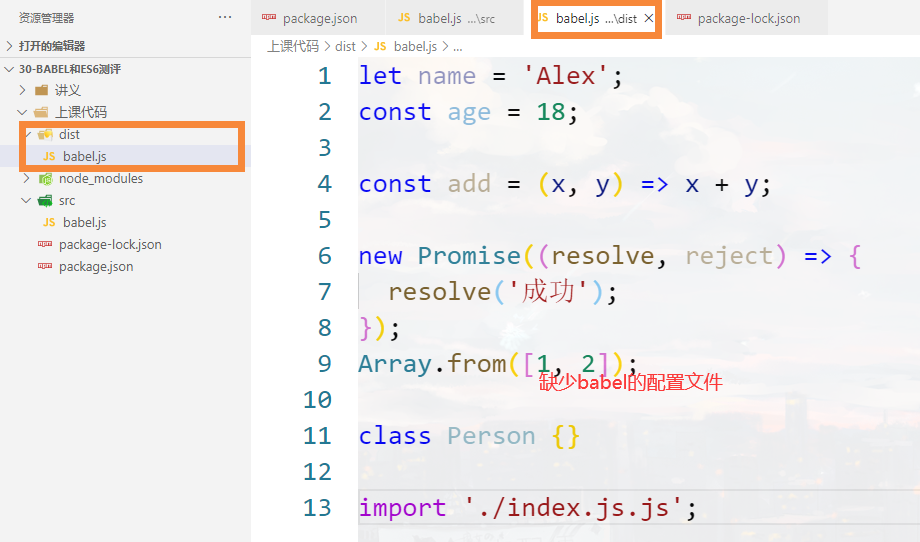
npm run build

# 2.Babel 的配置文件
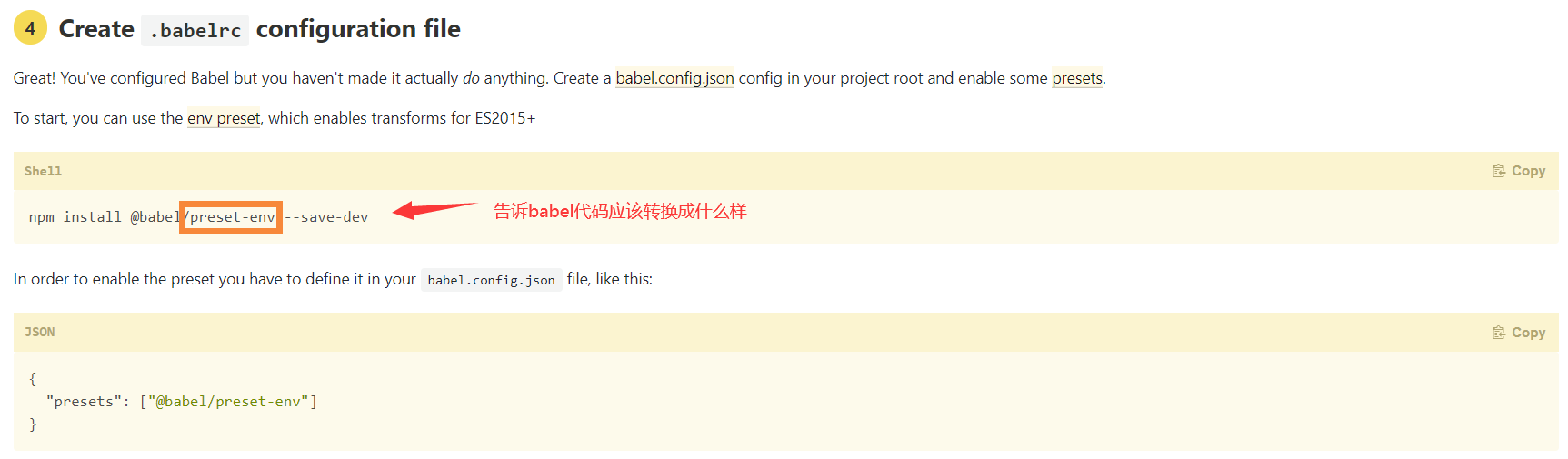
npm install @babel/preset-env@7.11.0 --save-dev
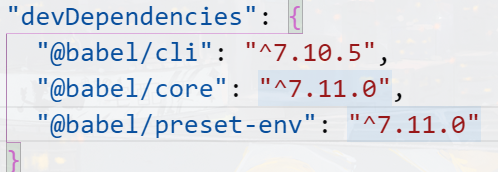
@babel/cli 在命令行工具输入Babel命令需要 @babel/core Babel的核心包 负责发号施令
@babel/preset-env 如何转换代码
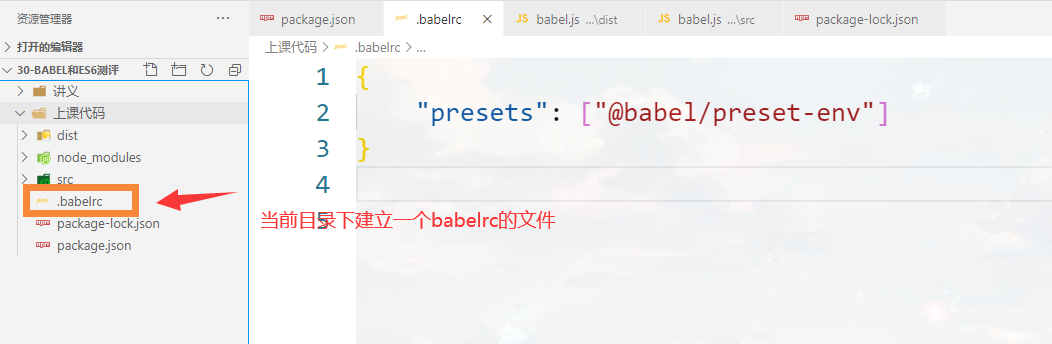
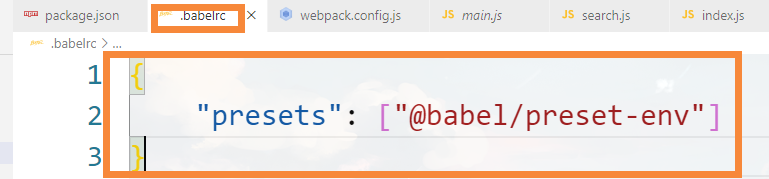
创建配置文件 .babelrc,并配置